
IMAGE GALLERY
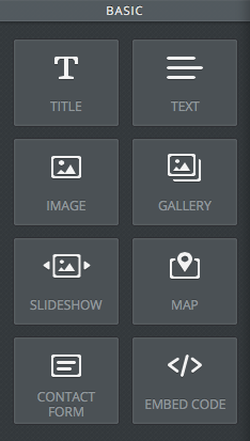
To add an image gallery, go to the page where you want a photo album, click the Build Tab, click Media, drag and drop the element Gallery where you’d like it.
To add images to an existing gallery, click inside the album, click Add Images, click Upload new image, and drag to rearrange the order of the images.
You can choose the amount of columns in the gallery by clicking the dropdown arrow under Columns.
To choose the amount of space between each image, click Spacing
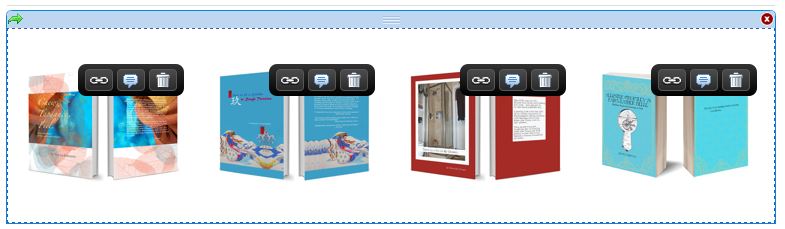
Once the photos are uploaded, you can make them links or add captions by clicking the icons attached to each photo:
To add images to an existing gallery, click inside the album, click Add Images, click Upload new image, and drag to rearrange the order of the images.
You can choose the amount of columns in the gallery by clicking the dropdown arrow under Columns.
To choose the amount of space between each image, click Spacing
Once the photos are uploaded, you can make them links or add captions by clicking the icons attached to each photo:
Here is a link to Weebly's How to Upload an Image Gallery
